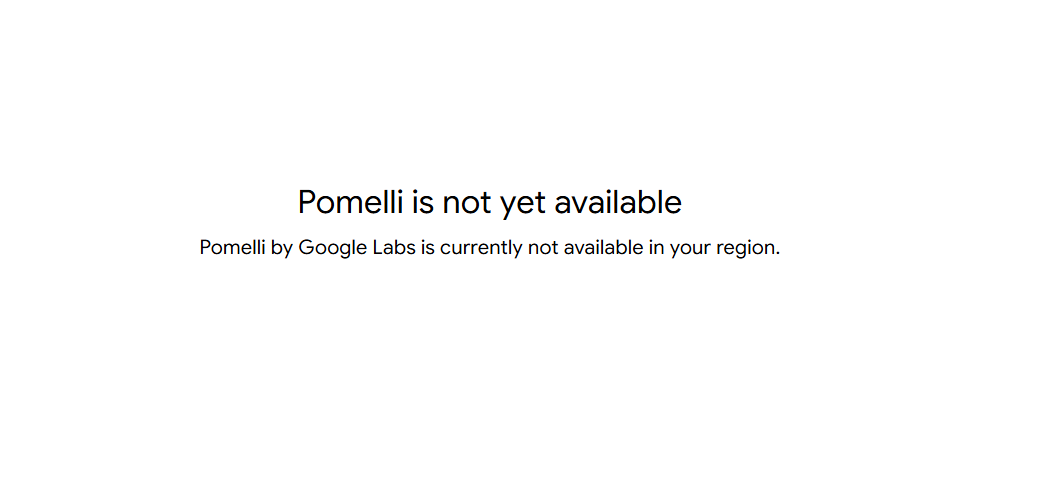
If you’ve tried accessing Google Pomelli and got the message:
“Pomelli Is Not Yet Available. Pomelli By Google Labs is currently not available in your region”, you’re not alone. I also faced this frustrating issue when attempting to explore the Google’s new AI-powered marketing tool.
I know this message can be a real point of frustration, but after some quick thinking and testing, I found a simple solution that worked for me.
In this post, I’m going to walk you through exactly how I fixed the “Pomelli By Google Labs is currently not available in your region“ error and finally accessed Google Pomelli.
Why You’re Seeing the “Pomelli Is Not Yet Available. Pomelli By Google Labs is currently not available in your region” Error Message
First, let’s understand why this error pops up.
Google Pomelli is an experimental tool from Google Labs. To ensure a controlled and effective testing environment, Google has initially restricted its availability to a select few countries.

Here are the regions where Google Pomelli is officially accessible:
- United States (U.S.)
- Canada
- Australia
- New Zealand
If you are located in Nigeria, or any other region outside of these four countries, you are currently in an unsupported region and that’s why you see the “not available” message. You will also see the unavailability message if your IP address resolves to a location outside of the supported regions even if you are logged into your Google account.
How I Fixed the “Pomelli By Google Labs is currently not available in your region” Error
The core of the problem is that Google’s system is identifying my current geographical location as an unsupported region. To fix this, I needed to mask my location and appear as if I was browsing from one of the supported countries, specifically the United States.
Here is the step-by-step process I used to successfully bypass the regional block:
1. The Right Tools: Opera Browser and an Active VPN
I decided to use the Opera Browser because it has a built-in, free VPN feature that is easy to activate and change locations. If you don’t have Opera, download Opera browser or you can use any reliable VPN service that allows you to select a server location.

2. Setting the VPN to an Accessible Region
I activated the VPN and crucially, set the location to America (United States). The goal is to make it look like your browser is making the request from a supported region.
3. Accessing the Google Pomelli URL
Once my VPN was connected and set to America, I navigated to the official Pomelli website: https://labs.google.com/pomelli
4. Logging In and Creating My Business DNA
With the VPN active, the regional block message disappeared! I was prompted to log in with my existing Google account (Gmail/Google Workspace).
As a new user, the next step was to create my Business DNA. This is where Pomelli scans your website to understand your images, color palette, typography, and tone of voice. I simply entered my website URL, and the tool got to work.

This is the exact method I used to fix the error.
No extra configuration. No premium VPN. Just Opera browser + it’s free VPN.
Why This Simple Trick Works
Pomelli checks your IP address to determine your region.
Once Opera VPN routes your traffic through a supported country (like the U.S.), Google unlocks access to the tool automatically.
This is why switching your location to Americas instantly solves the issue.
The best part? Pomelli is completely free to use for now as an experimental tool. This makes the effort of finding a workaround absolutely worth it!
Should You Always Use a VPN to Access Pomelli?
For now, yes, if you’re outside the four supported countries.
But remember:
- Pomelli is still experimental, so availability may expand in the future.
- Google might add more countries as they collect feedback and refine the tool.
Until then, a VPN remains the easiest way to explore and test Pomelli early.
Will Google Pomelli Work In Nigeria?
There’s no official announcement yet, but considering Google’s global footprint—especially in Africa—it’s very likely that Pomelli will eventually roll out to more regions including Nigeria.
For now, using tools like Opera VPN gives Nigerian entrepreneurs, marketers and content creators early access to stay ahead.
Final Thoughts
This VPN method allowed me to access and use Google Pomelli effectively from an unsupported region.
If you are a marketer or entrepreneur in an unsupported region looking to reduce creative production time and generate high-quality, brand-consistent creatives without a dedicated design budget, you should absolutely try this fix.
If you found this guide helpful, share it with others who may be struggling with the same region restriction issue. And feel free to ask if you need help exploring Pomelli’s features—it’s a powerful tool worth trying out.
Happy Marketing!